
Illustrated stories from a single idea
TaleCrafter AIMake a story worth reading together
Turnapromptorimageintoacompleteillustratedbook.Chooseaclassicstory,orshapeeveryturningpointyourselfwithPlotTwistmode.
0+
Languages
0
Story Genres
0
Art Styles
0+
Countries Reached
The whole book, not just the first draft
Go from a blank page to a story people can actually read.
TaleCrafter keeps writing, illustration, narration, and reading in one place. Your creative choices carry through from the first prompt to the final page.
- A generated cover and illustrated story pages
- Age, genre, language, and art direction controls
- A dashboard for continuing and revisiting your work
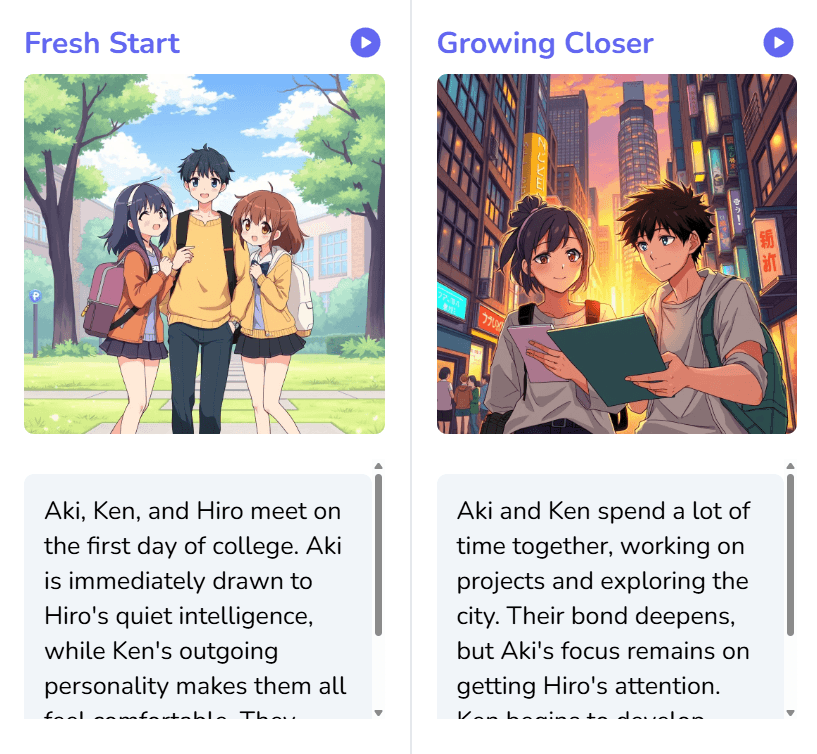
One idea, two ways to tell it
Choose the kind of story experience you want.
Classic Story
Create a complete beginning-to-end storybook in one generation. It is the direct route when you already know the kind of book you want to make.
Best for: bedtime stories, classroom reading, gifts, and quick drafts.
Plot Twist Story
Make a choice at each turning point and let the selected path shape the next illustrated chapter. Your decisions remain visible as the story grows toward its ending.
Best for: shared reading, creative play, and choose-your-path adventures.
How it works
A short path from idea to finished book.
Set the direction
Describe your idea or upload an image, then choose the genre, reader age, and illustration style.
Generate the book
TaleCrafter develops the narrative, cover, and illustrated pages as one connected story.
Read, listen, and share
Open the story as a flipbook, use page narration, or export an image-rich PDF for offline reading.
Everything stays connected
The useful details are part of the product, not add-ons.
Each feature supports the same outcome: a story that feels complete enough to read, revisit, and share.
Prompt or image to story
Begin with a written idea or let an uploaded image become the setting for something new.
Illustrations built into the flow
Generate a cover and scene artwork in watercolor, anime, comic, 3D, and other visual styles.
Narration on every page
Listen inside the reader with playback that moves naturally from one story page to the next.
Stories for different readers
Shape language, tone, genre, and age level around the person who will actually read the book.
Decisions that change the plot
Use Plot Twist mode to choose the next direction and keep a visible history of the path taken.
A finished book you can keep
Return to stories in your dashboard or export a polished PDF once the narrative is complete.
Simple credit packs
Start free. Add credits when you need them.
No complicated tiers. Choose the amount that matches how often you create.
Before you begin
A few useful answers.
What is the difference between Classic and Plot Twist?
Classic mode creates a complete storybook in one flow. Plot Twist mode pauses at key moments so you can choose what happens next and build the story branch by branch.
Can I create a story from an image?
Yes. Upload an image and TaleCrafter can use its scene, mood, and subject as the starting point for your story idea.
How can I read a finished story?
Stories can be read in a book-style flip view or a scrolling story view. Page narration is available inside the reader, and completed stories can be exported as PDFs.
Can I try TaleCrafter before buying credits?
Yes. New accounts start with five credits, so you can create and experience the workflow before choosing a paid credit pack.
Your next story can start with one sentence.
Bring the idea. TaleCrafter will help you turn it into an illustrated book you can read, shape, and share.
Create your first story